FREE shipping on orders over $99 in the U.S.
Call us: +1 (346) 635-4110
Brand: FLUX
Product image slideshow Items
Sale
Save $24.50
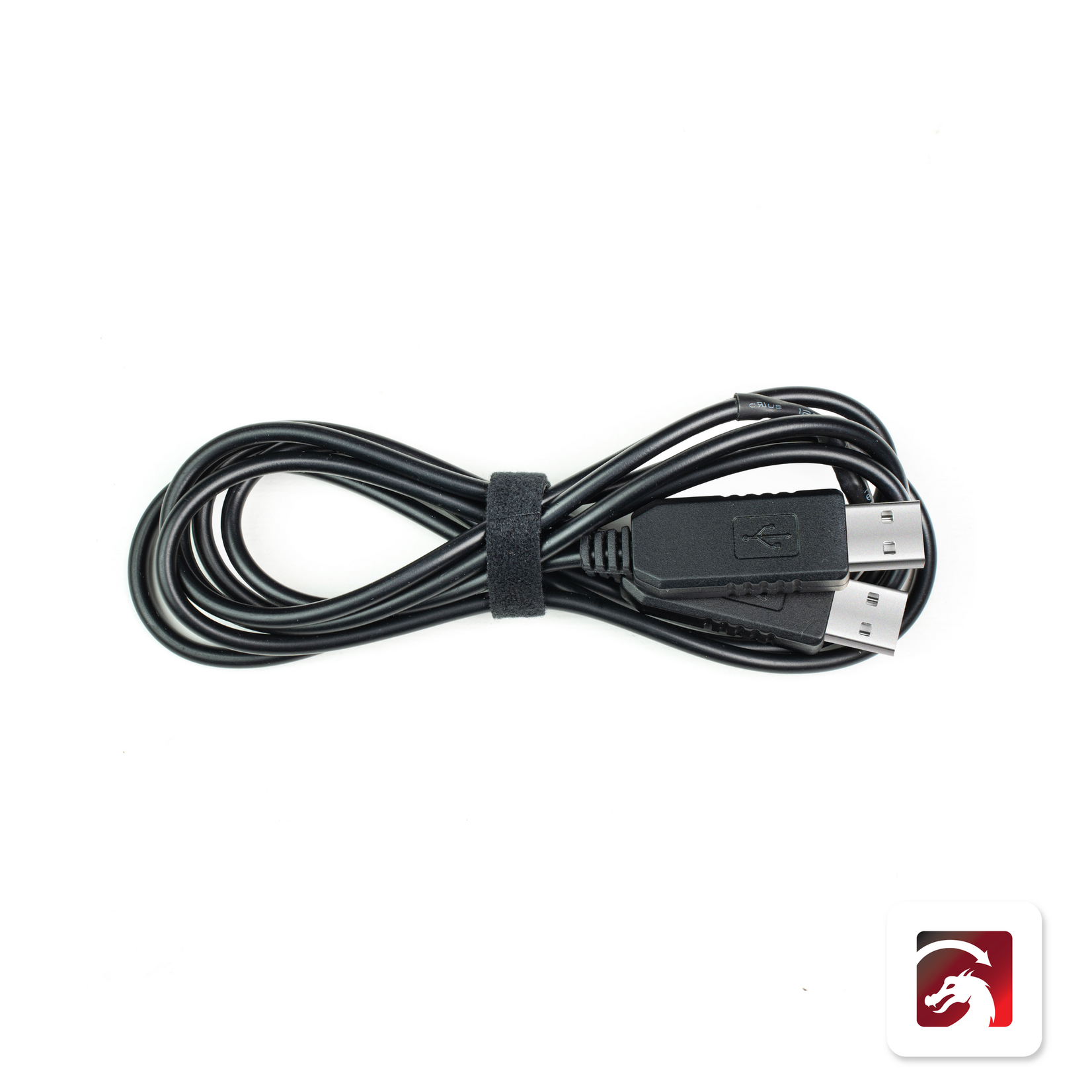
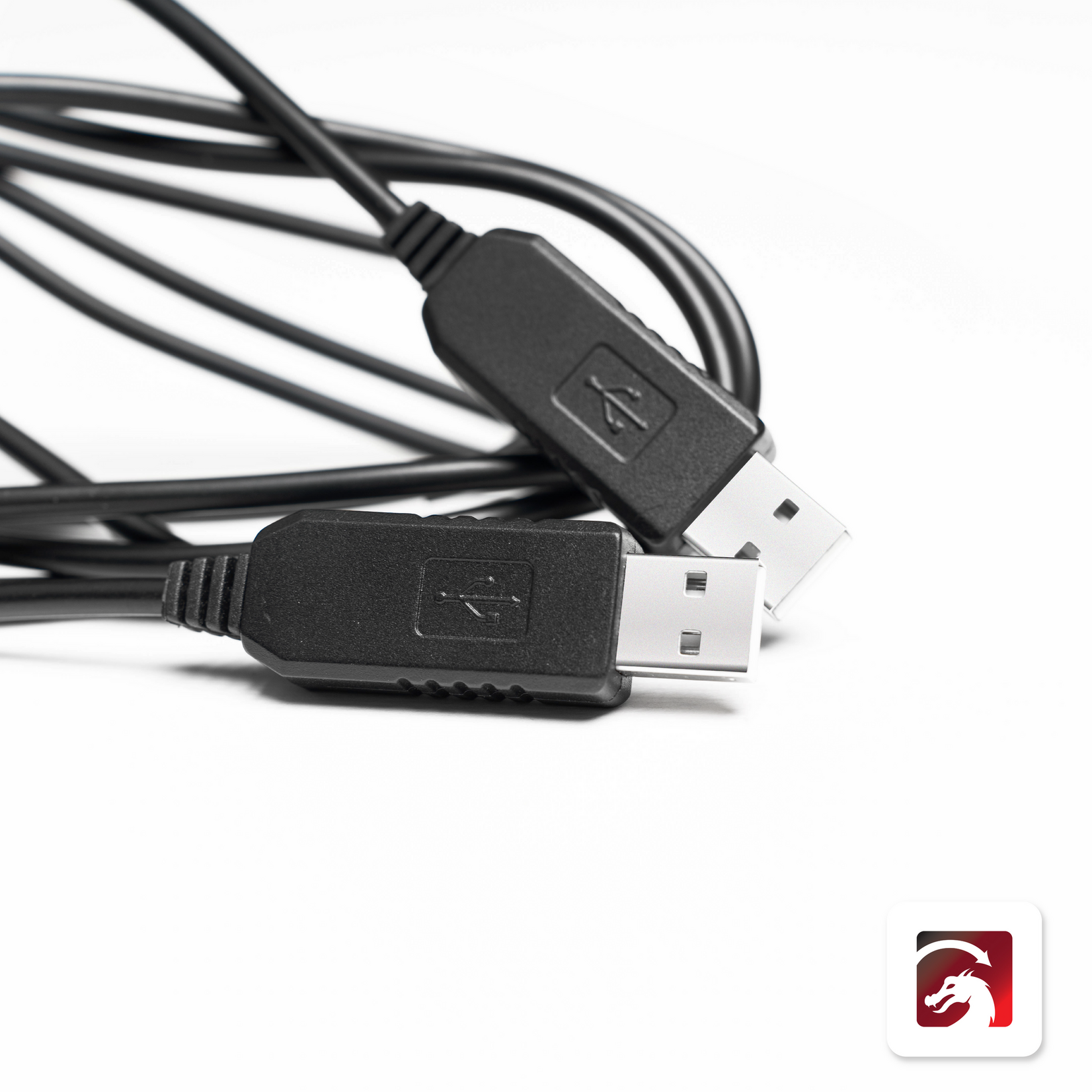
Easily connect your computer and take full control of your FLUX laser cutter with the official FLUX LightBurn Bridge Cable. Built for seamless compatibility with LightBurn software.
In stock
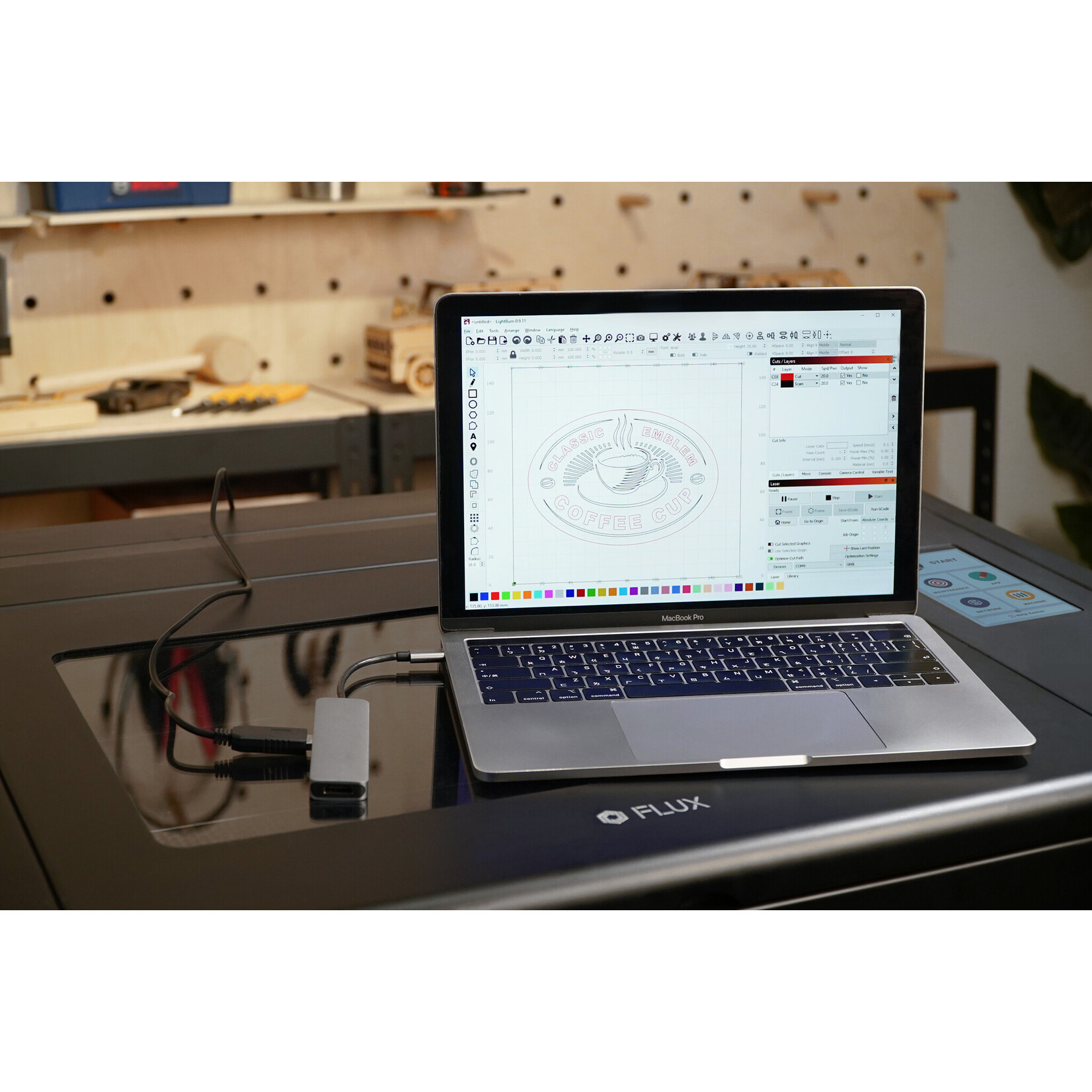
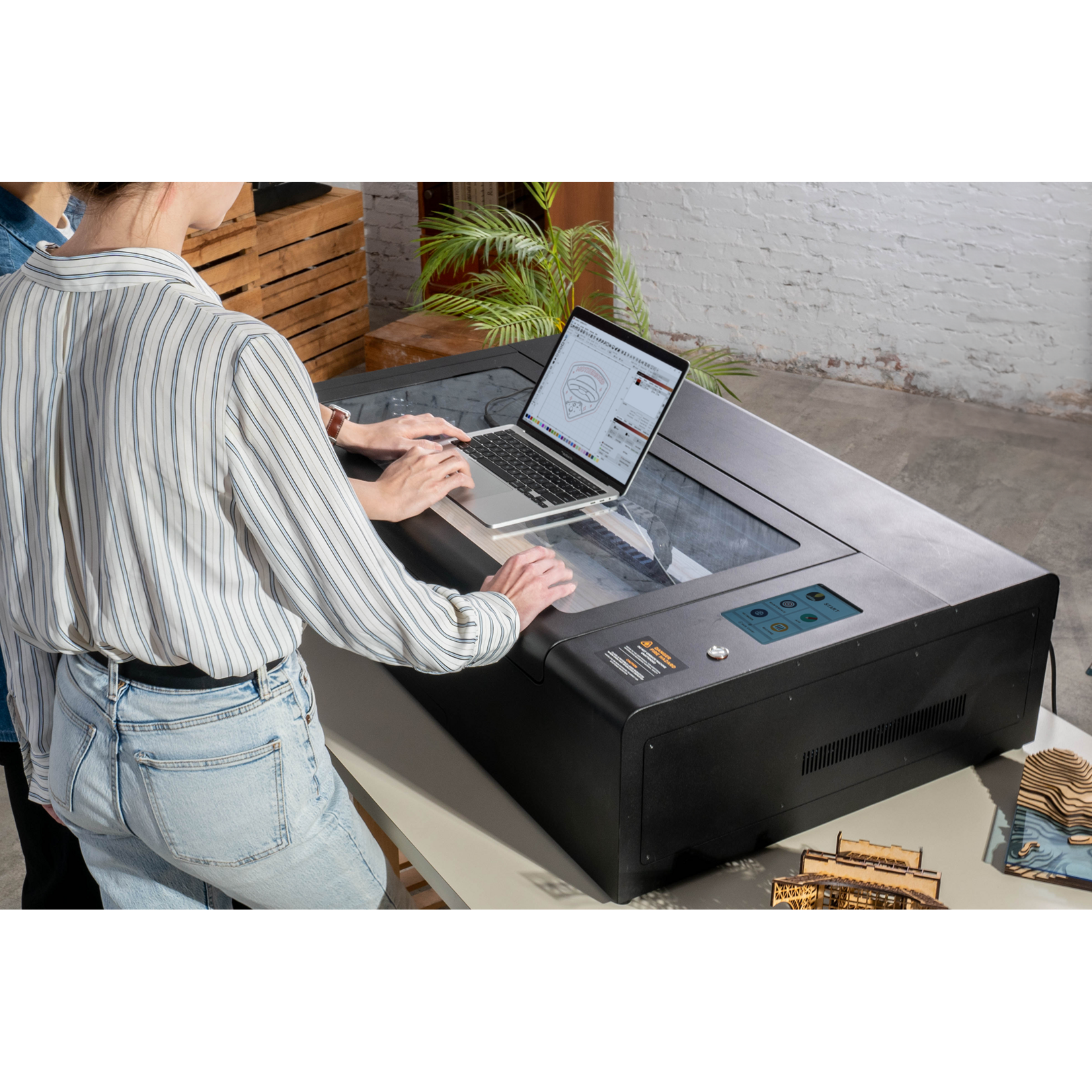
If you are already using the popular LightBurn laser cutting software, you can now control our laser cutters thanks to the FLUX LightBurn bridge cable. Plug the cable into the USB ports of your computer and your FLUX laser cutter, configure the LightBurn software, and enjoy seamless connectivity!
The connection allows you to cut and engrave with our machines, but it is also compatible with our rotary add-ons. So you can unlock the full potential of your laser cutter inside LightBurn.
LightBurn is a paid software that lets you design, edit and control projects for your laser cutter. It is compatible with a wide range of laser cutter brands and works on Windows, Mac OS, and Linux.
The LightBurn software is not included with the FLUX LightBurn bridge cable.


In order to connect the LightBurn software with your FLUX laser cutter, you will need to make sure you have the latest firmware version installed on your FLUX machine.
Next, you will need to download the correct configuration file and install it in LightBurn. Find the correct configuration for your FLUX laser cutter and a configuration guide:
Please note that LightBurn currently does not support the camera preview functionality of our laser cutters.
In order to control your laser cutter with LightBurn, your computer must remain connected via the LightBurn bridge cable. LightBurn cannot work with your FLUX laser cutter via Wi-Fi.
© 2026 - MakerMondo US